v0.7.4-beta
March 2026
Input Modes, Custom Colors & Haptic Feedback
Input Modes
One-Handed Typing
Custom Color Palettes
Haptic Feedback
Typing Sounds
- Three input modes: Quick Type (rapid fire), Steady Type (one chord per hold), and One-Handed (lock left dial, swipe right)
- Custom color palette editor with HSV sliders (Android) and native ColorPicker (iOS) for full 8-color personalization
- Haptic feedback with intensity levels for utility keys vs. letters, plus soft typing sounds
- Fixed pastel palette icon contrast for right-dial utility icons
- Removed React SPA, replaced with lightweight static HTML/CSS/JS site
- Fixed CORS vulnerability in research prototype dependency
- iOS controller support fix and UI/UX polish across both platforms
v0.5.1-alpha
March 28, 2026
Custom Layouts & Typing Game
Custom Layouts
Typing Game
ProGuard
Privacy
- Create, edit, and save custom keyboard layouts with full chord mapping
- Built-in typing practice game with curated quotes, WPM tracking, and accuracy stats
- ProGuard code shrinking and resource optimization for smaller APK size
- AD_ID opt-out for stronger user privacy guarantees
- React website with releases timeline and accessibility documentation
v0.4.2-alpha
March 21, 2026
Controller Support & Word Prediction
Gaming Controllers
Word Prediction Engine
Accelerating Backspace
Collapsible Settings
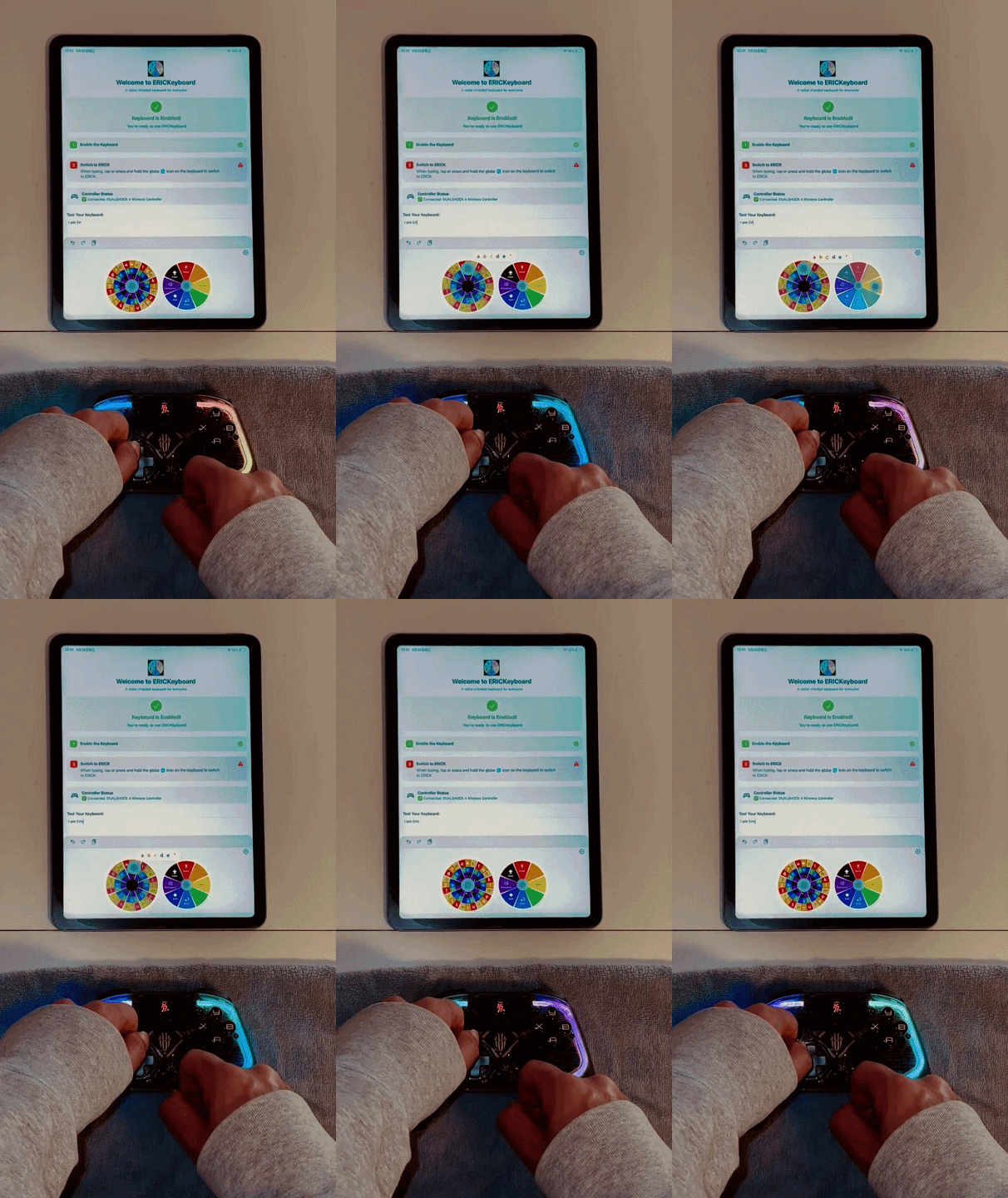
- Full DualShock 4, 8BitDo, and Bluetooth game controller support on Android & iOS
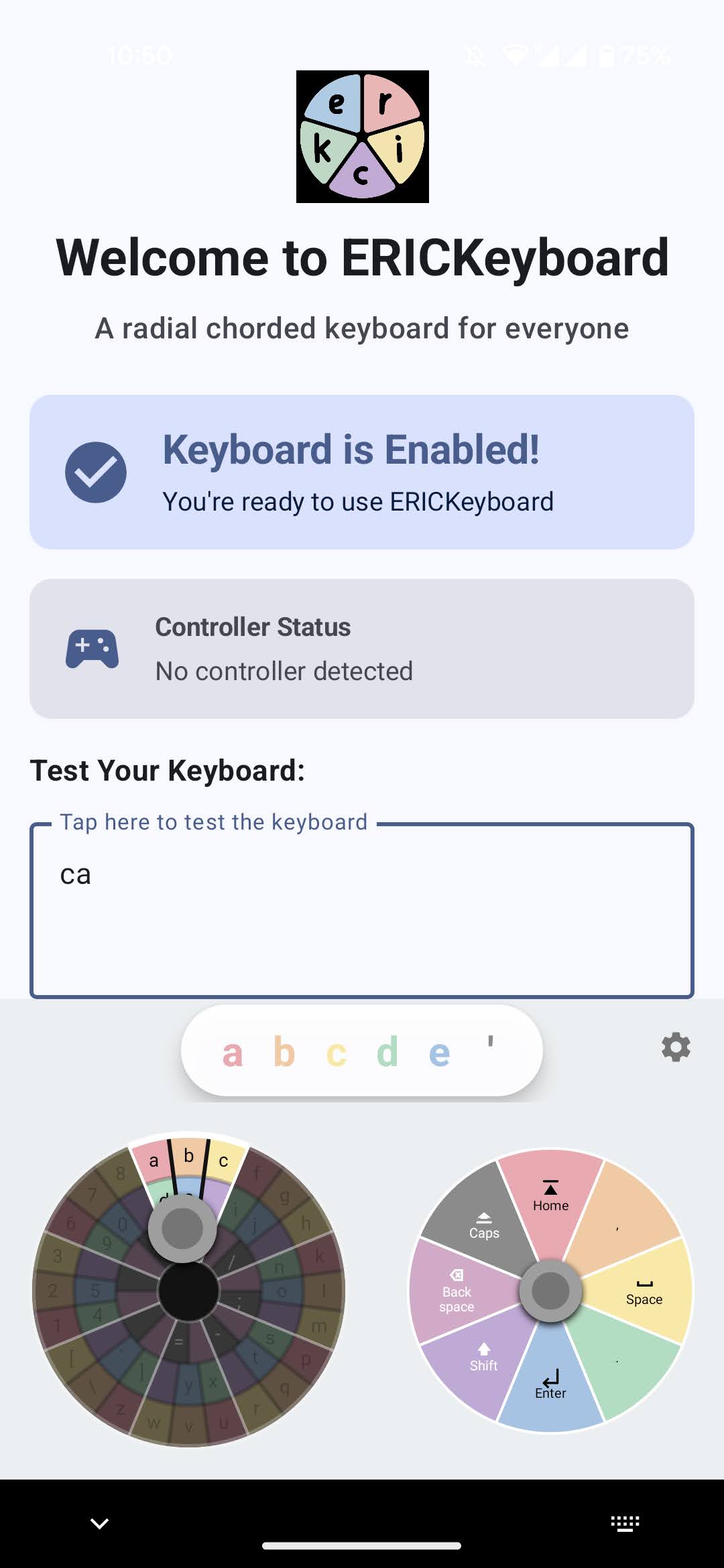
- Cross-platform word suggestion engine with up to 3 real-time suggestions
- Autocorrect and next-word prediction - all offline, no data sent anywhere
- Hold-to-delete accelerating backspace matching native keyboard behavior
- Accordion-style collapsible settings menu on both platforms
- Translated all code comments to English across 6 source files

v0.3.2-alpha
March 14, 2026
Radial Dial UI & iOS Launch
Radial Dial UI
Live Preview
Efficiency Layout
iOS Full Support
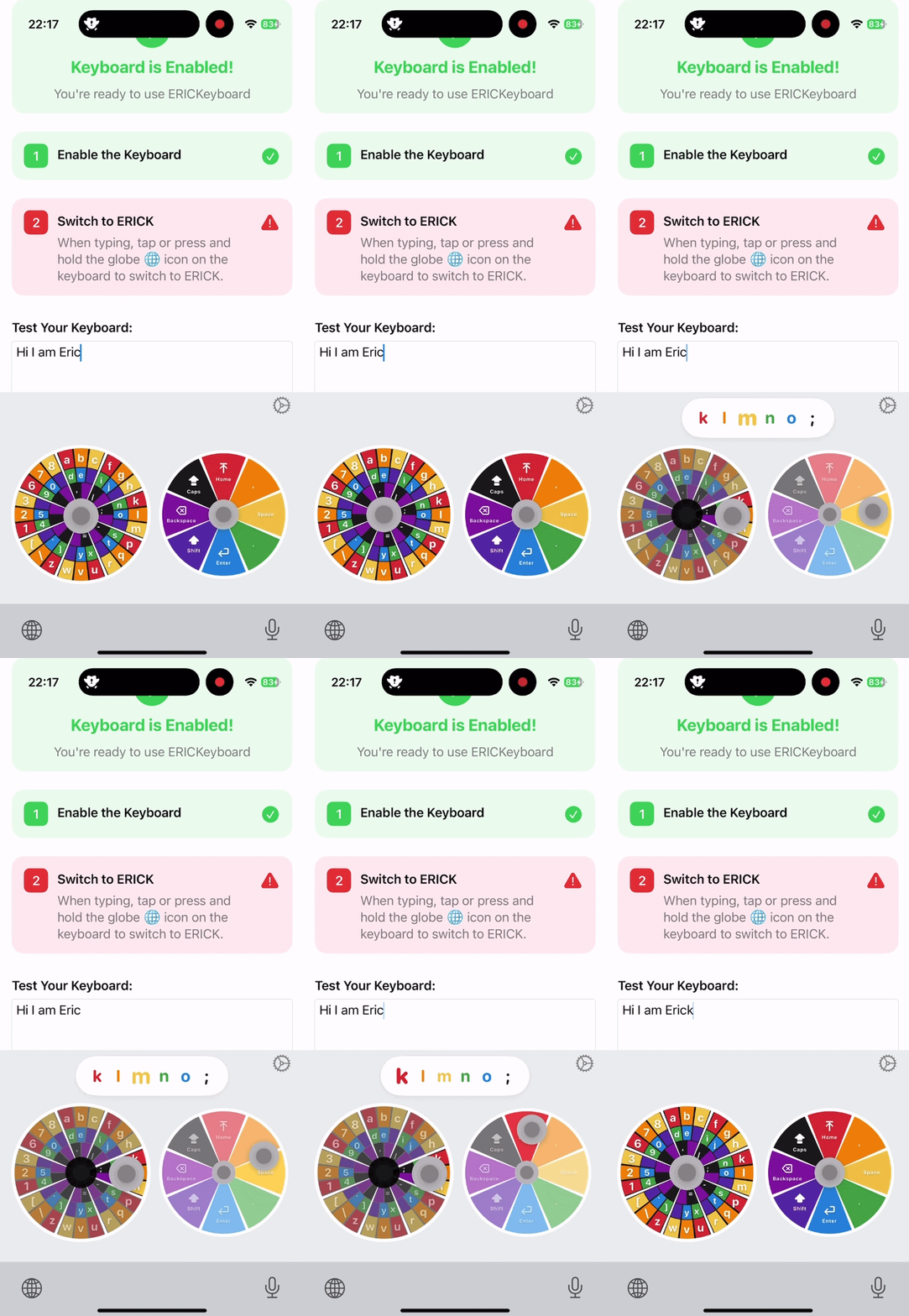
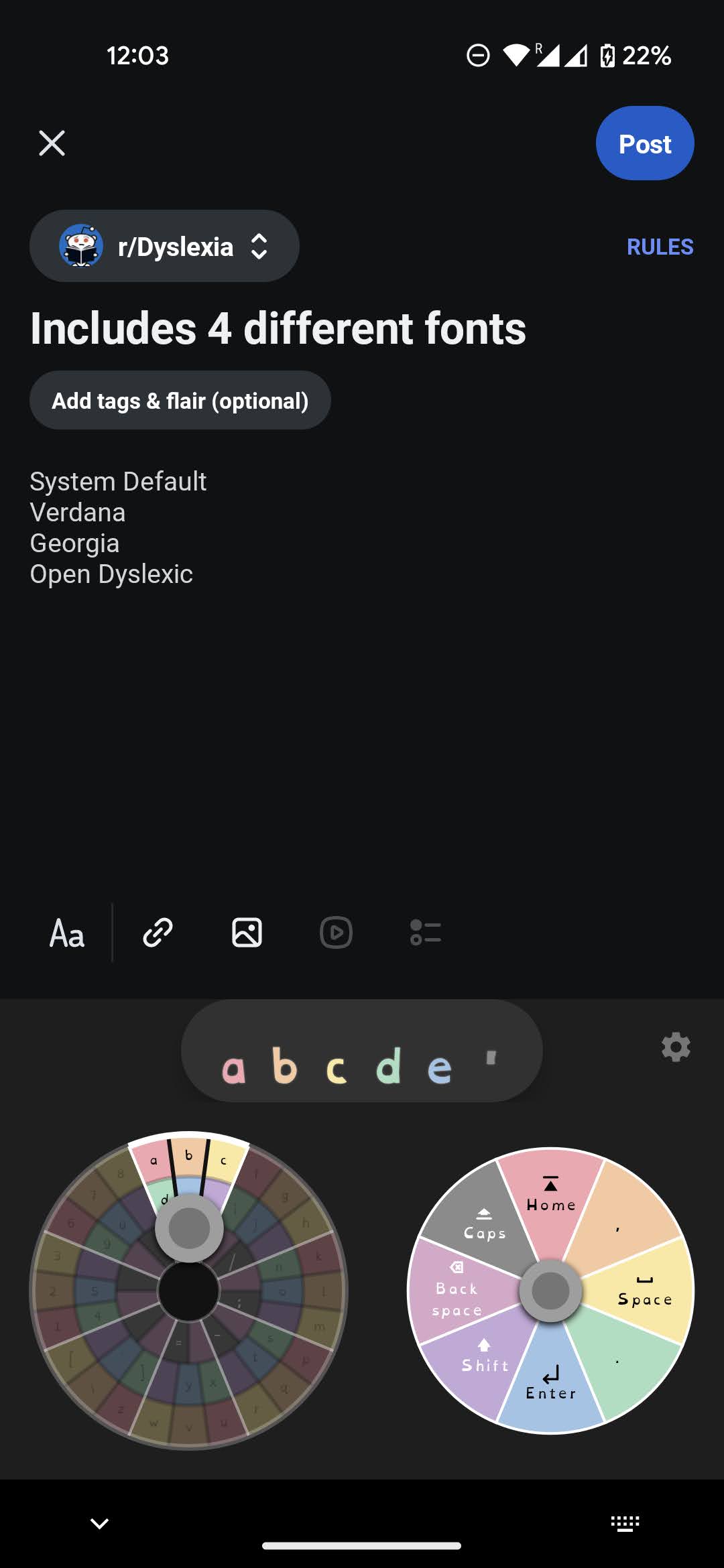
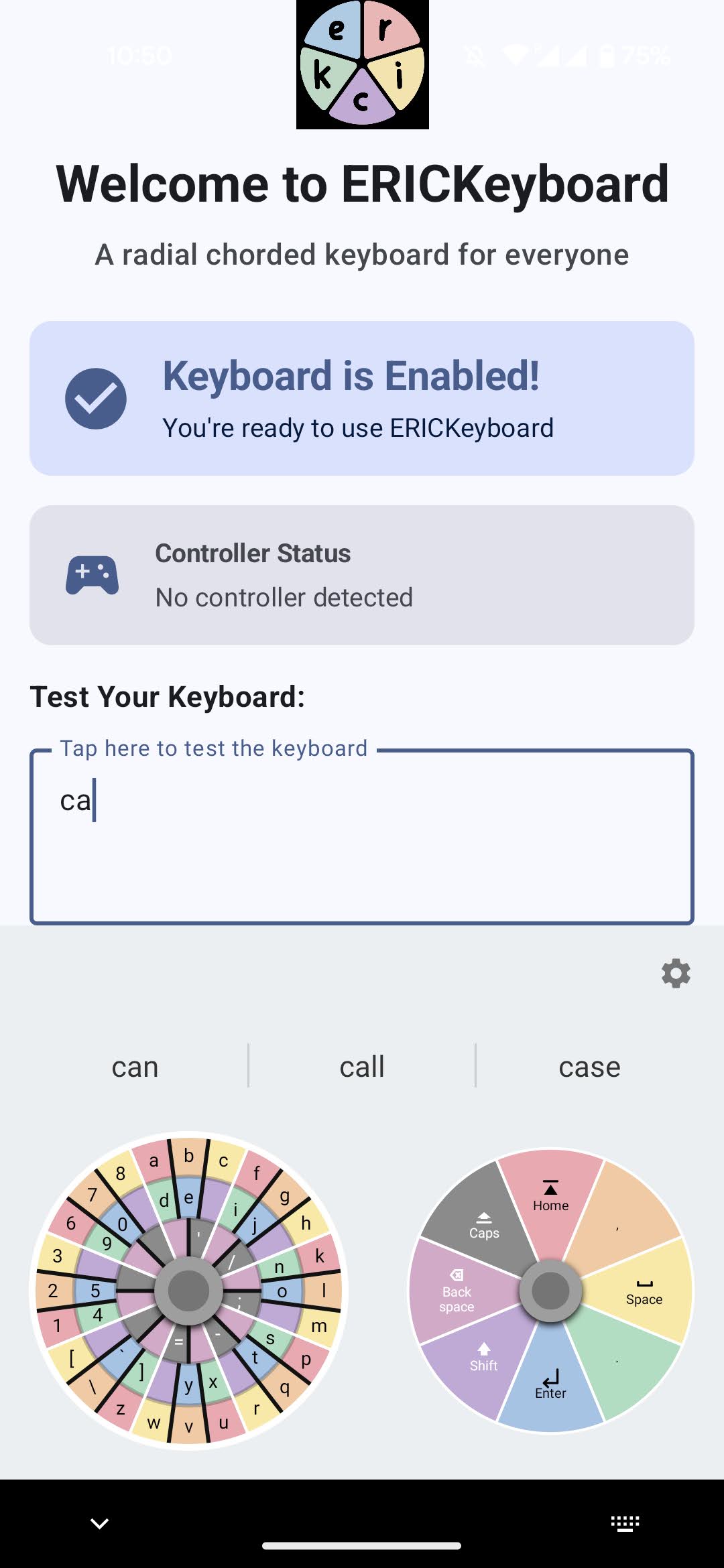
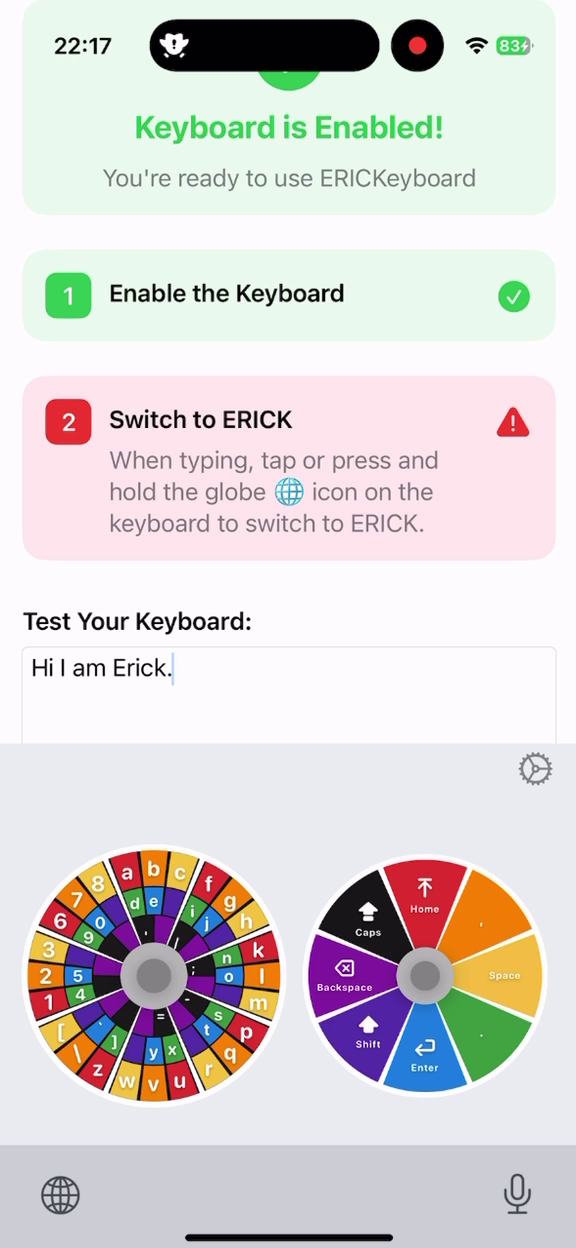
- Completely overhauled joystick interface with radial dials and 8-segment blocks
- Live character preview bar showing color-coded characters as you swipe
- New frequency-optimized Efficiency layout alongside the Logical layout
- iOS radial keyboard UI redesigned to match Android experience
- Full iOS onboarding flow with step-by-step color-synced setup
- Shared App Group preferences keep iOS host app and keyboard extension in sync
v0.2.1-alpha
March 7, 2026
Kotlin Multiplatform & Redesign
KMP Architecture
Material 3 Design
Onboarding Guide
Professional Branding
- Cross-platform keyboard logic with Kotlin Multiplatform ready for iOS
- Step-by-step onboarding guide with real-time status indicators
- Material 3 settings redesign with 4 organized sections
- ERICK logo and consistent branding throughout
- Larger joysticks, cleaner layout, and optimized touch targets
v0.1.7-alpha
July 8, 2022
The Beginning - Android Prototype
First Release
Android 12
Controller Detection
Chord Input
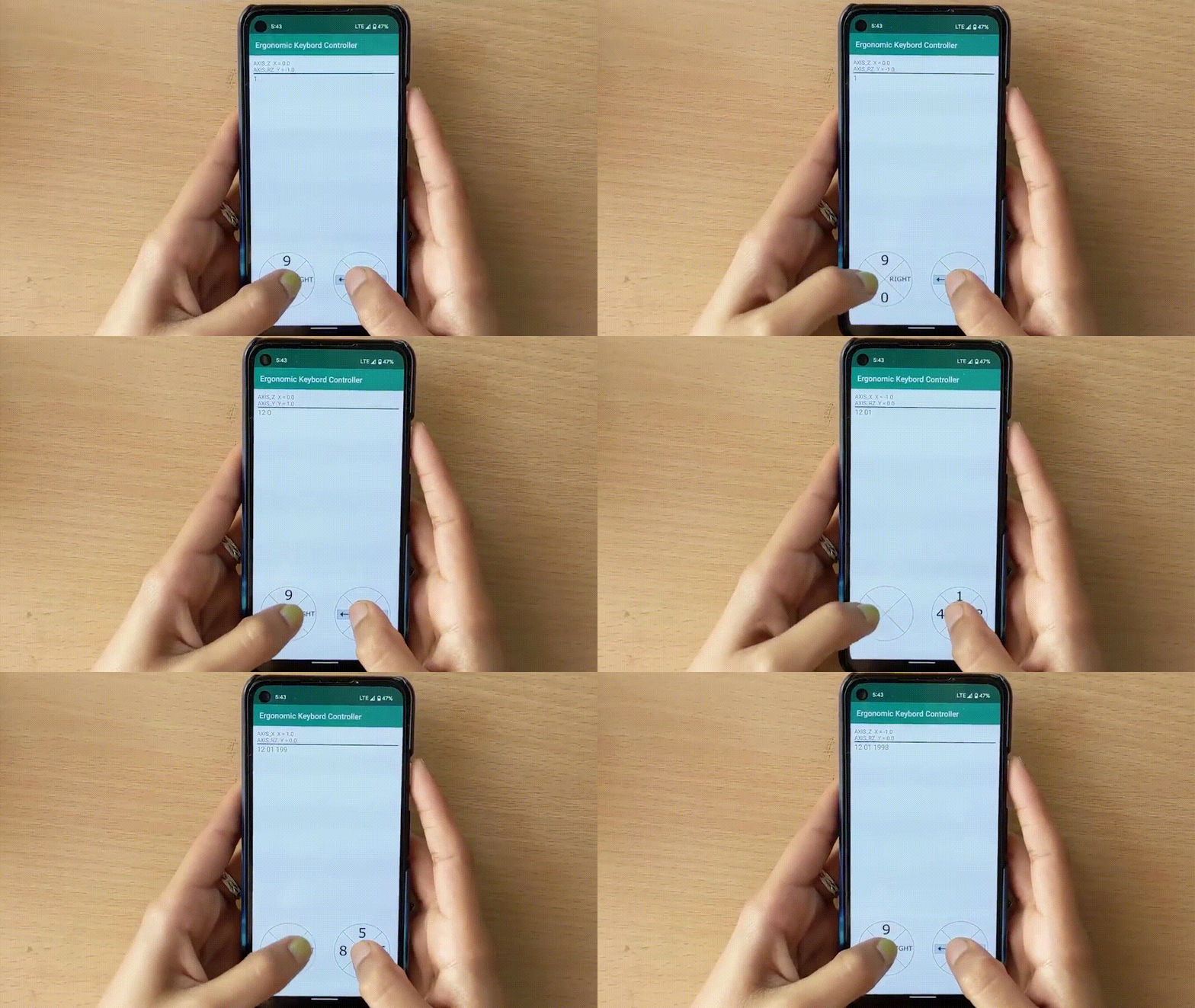
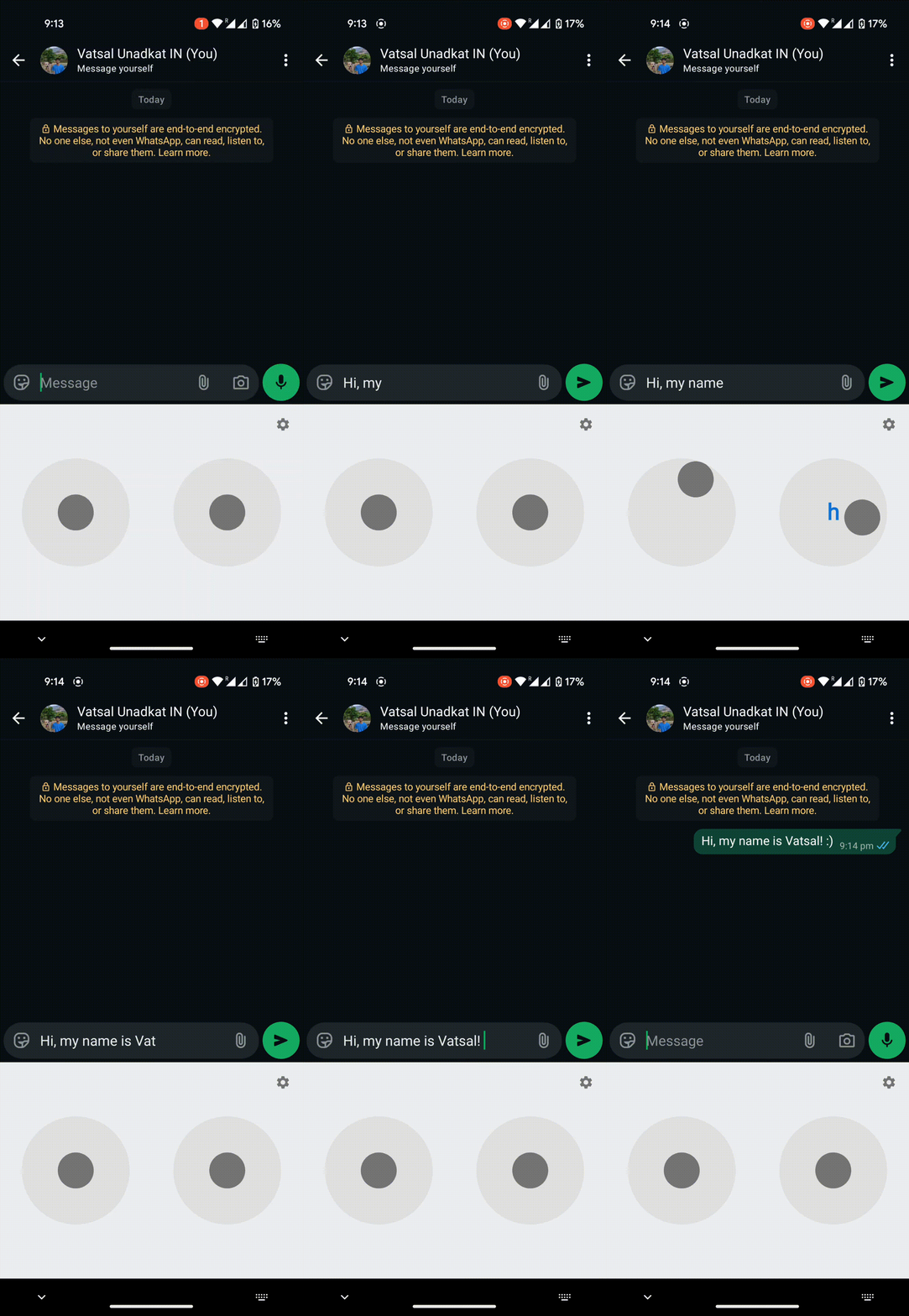
- Initial Android keyboard with dual-joystick chord input system
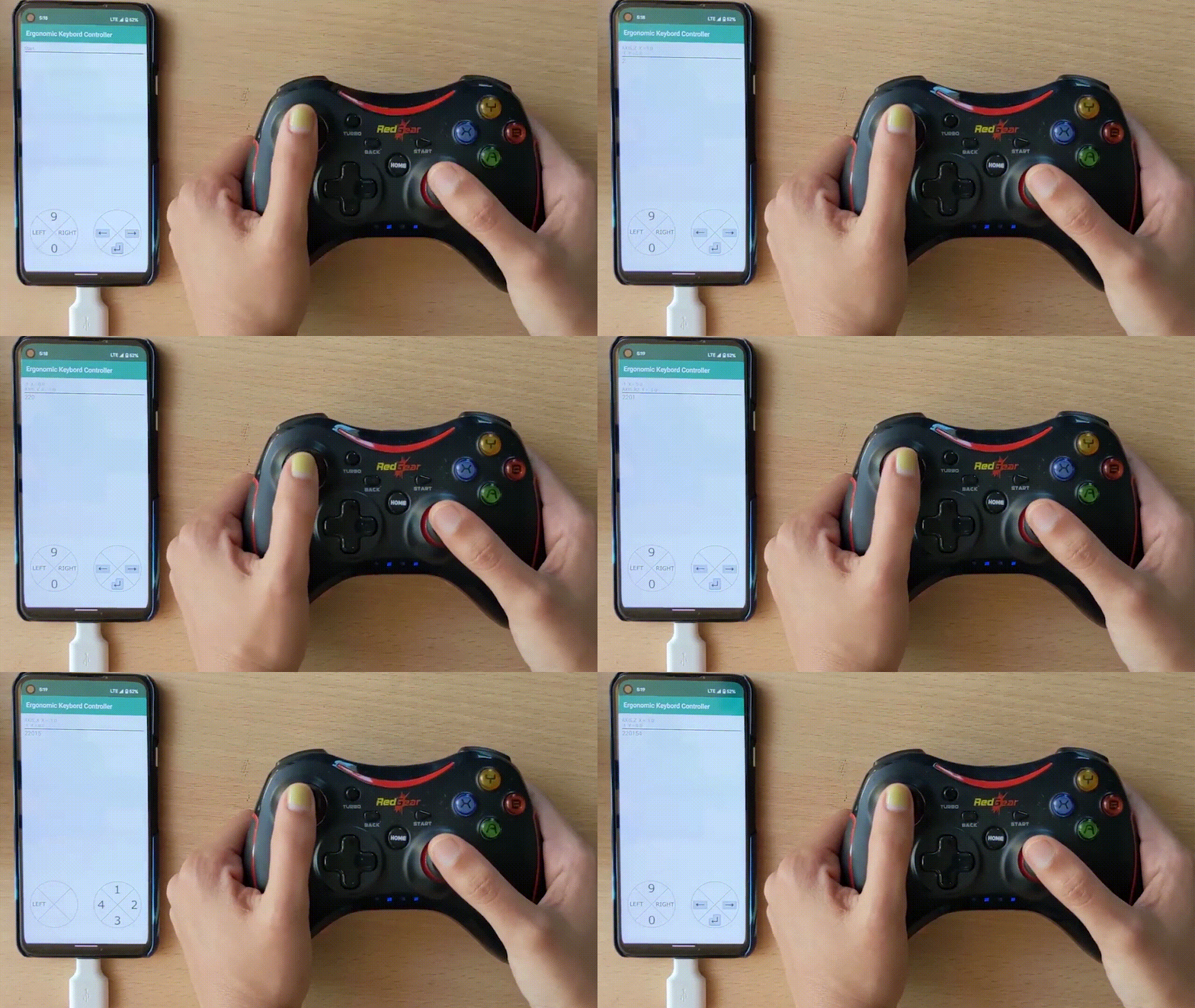
- Support for Android 12 with controller detection
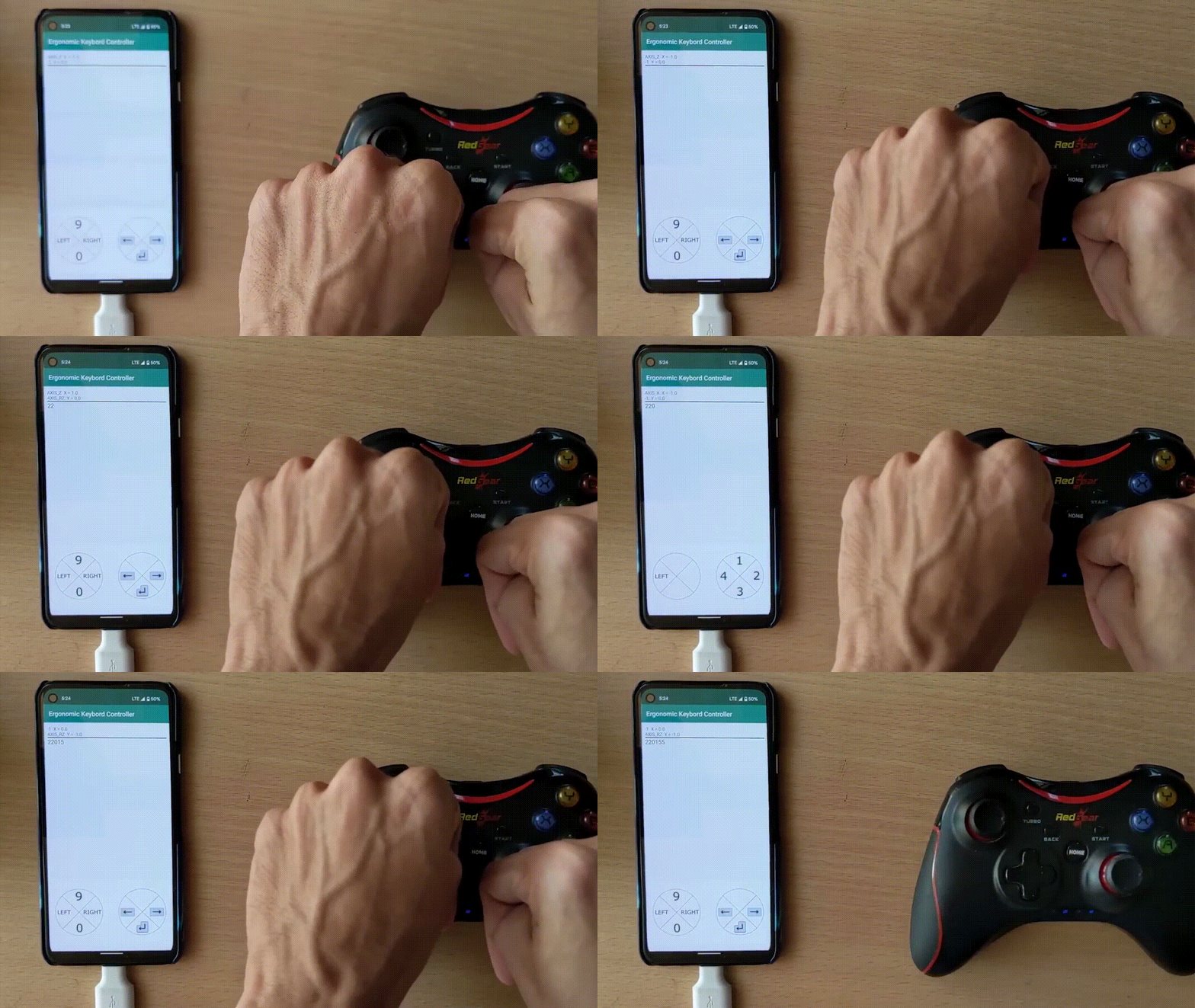
- Touch-based swipe typing and physical controller typing
- Hands-free typing capability demonstrated
- Foundation for the current ERICK project