ERICK keyboard releases and roadmap
ERICK began as a research-driven idea and grew into a cross-platform keyboard focused on accessibility, controller input, lower-effort typing, and privacy-focused text entry on Android and iOS.


9
Releases
2
Platforms
7+
Color Palettes
0
Data Collected
v2.2.0
Current release
Emoji Keyboard, Emoticons, and Stable Panel Layout
Emoji Mode
Skin Tones
Emoticons
Floating Badge
- Android and iOS now ship a shared-catalog-backed emoji keyboard with 11 Unicode and CLDR tabs, a built-in emoticons tab, long-press skin tones, and 32 recent entries
- The preview-row left slot now switches between 😀 and ABC, while the mode indicator lives in a floating badge below the top bar without increasing keyboard height
- Android skin-tone long-press no longer triggers a transient keyboard minimize and maximize cycle before showing tone variants
- The emoji panel now keeps the same overall keyboard-height footprint as the main dial keyboard and keeps the category row visually separated from the scrolling emoji grid
- The iOS emoji grid now adapts its column count more defensively across narrower and wider screen sizes instead of assuming one fixed width
- Public docs, diagrams, and release notes were refreshed for the v2.2.0 rollout
v2.0.0
April 30, 2026
Shared Language Profiles, Localized UI, and Prediction Isolation
10 Languages
Localized UI
Prediction Profiles
Practice
- Selectable keyboard-language profiles now ship for English, Spanish, Portuguese, French, German, Italian, Norwegian Bokmal, Danish, Swedish, and Finnish
- Settings, quickstart, practice lessons, help content, quote practice, and Android controller diagnostics now follow the active keyboard language
- Per-language prediction resources and learned history stay isolated, so switching languages does not overwrite your existing suggestions
- Language-aware logical-first layouts now stay aligned across both 8-section and 6-section modes while preserving shipped utility-wheel behavior
- Public docs, website messaging, and release notes were refreshed for the v2.0 Google Play rollout
v1.0
April 2026
Google Play Launch and 6-Section Dial Mode
Google Play
6-Section Dial
Symbols Mode
Accessibility
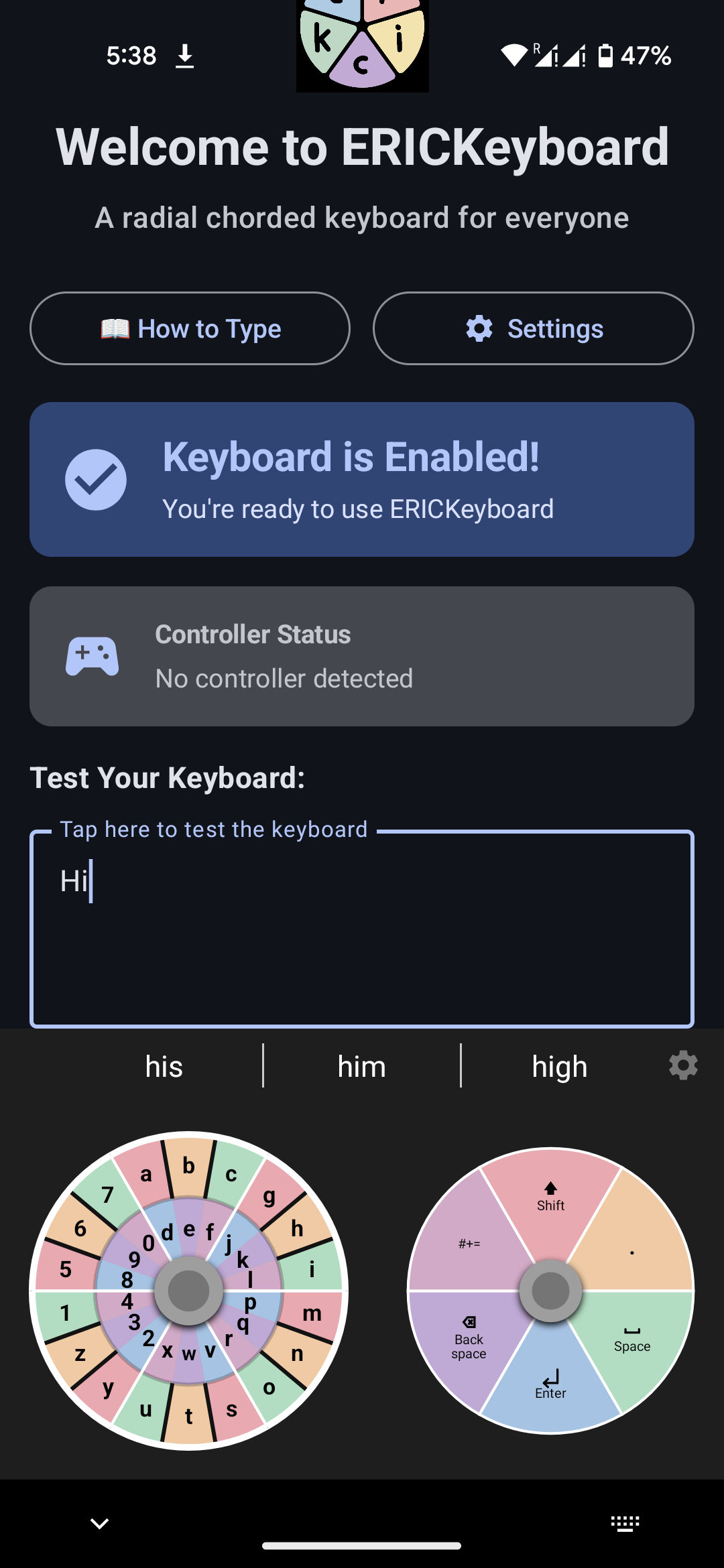
- Android production release is now live on Google Play
- 6-section dial mode adds a 36-slot chord grid with larger 60-degree segments
- Rotated 6-section utility wheel maps NE to Shift, SE to Space, S to Period, SW to Enter, NW to Backspace, and N to Symbols
- Symbols mode and 6-color palette variants ship on both Android and iOS builds
- Fresh-install sync and haptic and sound tuning improved the release experience
- iOS App Store release is next; source and development builds remain available today
v0.7.4-beta
March 2026
Input Modes, Custom Colors, and Haptic Feedback
Input Modes
One-Handed Typing
Custom Color Palettes
Haptic Feedback
Typing Sounds
- Three input modes: Quick Type (rapid fire), Steady Type (one chord per hold), and One-Handed (lock left dial, swipe right)
- Custom color palette editor with HSV sliders (Android) and native ColorPicker (iOS) for full 8-color personalization
- Haptic feedback with intensity levels for utility keys vs. letters, plus soft typing sounds
- Fixed pastel palette icon contrast for right-dial utility icons
- Removed React SPA, replaced with lightweight static HTML, CSS, and JS site
- Fixed CORS vulnerability in research prototype dependency
- iOS controller support fix and UI polish across both platforms
v0.5.1-alpha
March 28, 2026
Custom Layouts and Typing Game
Custom Layouts
Typing Game
ProGuard
Privacy
- Create, edit, and save custom keyboard layouts with full chord mapping
- Built-in typing practice game with curated quotes, WPM tracking, and accuracy stats
- ProGuard code shrinking and resource optimization for smaller APK size
- AD_ID opt-out for stronger user privacy guarantees
- React website with releases timeline and accessibility documentation
v0.4.2-alpha
March 21, 2026
Controller Support and Word Prediction
Gaming Controllers
Word Prediction Engine
Accelerating Backspace
Collapsible Settings
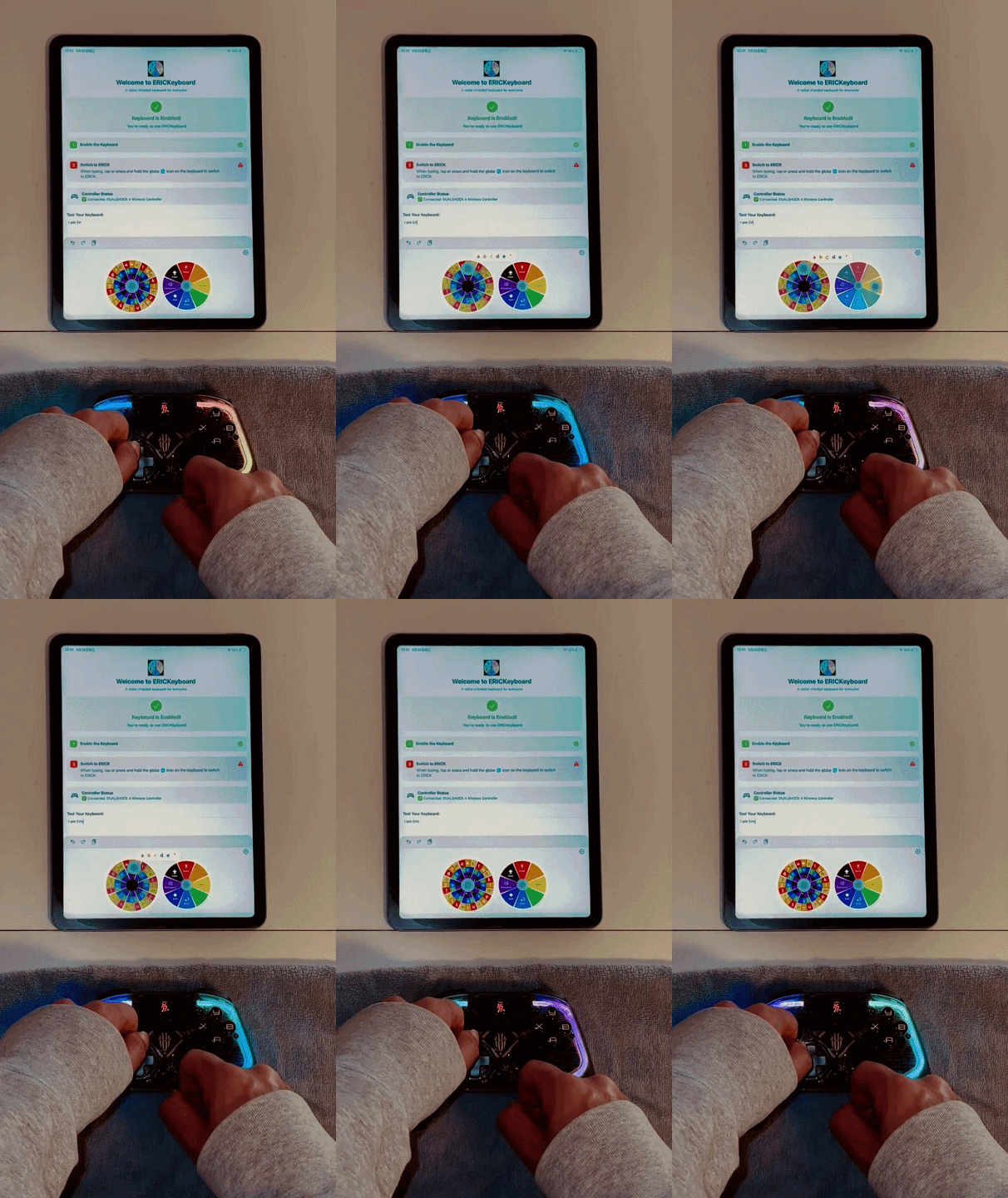
- Full DualShock 4, 8BitDo, and Bluetooth game controller support on Android and iOS
- Cross-platform word suggestion engine with up to 3 real-time suggestions
- Autocorrect and next-word prediction, all offline and with no data sent anywhere
- Hold-to-delete accelerating backspace matching native keyboard behavior
- Accordion-style collapsible settings menu on both platforms
- Translated all code comments to English across 6 source files

v0.3.2-alpha
March 14, 2026
Radial Dial UI and iOS Launch
Radial Dial UI
Live Preview
Efficiency Layout
iOS Full Support
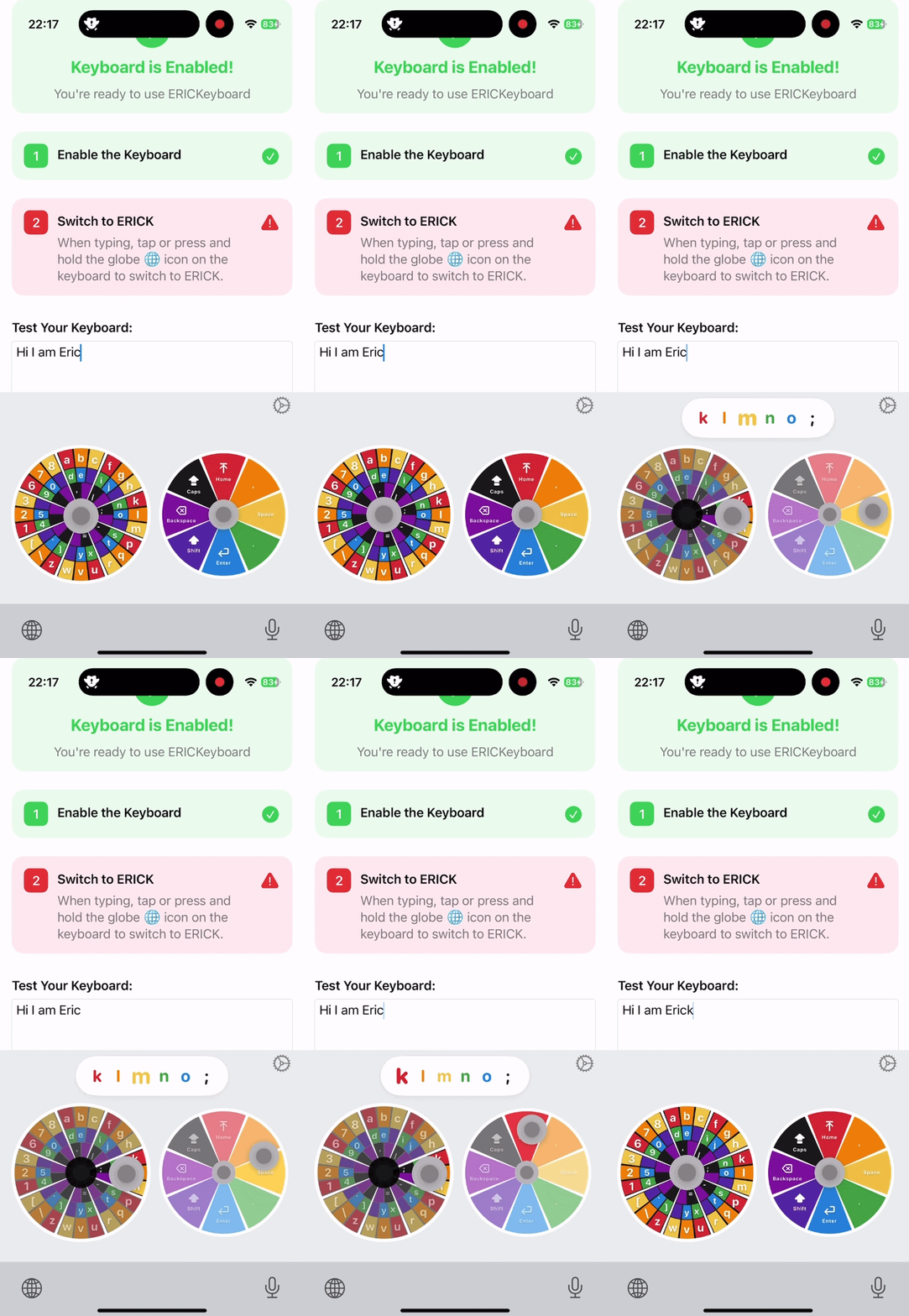
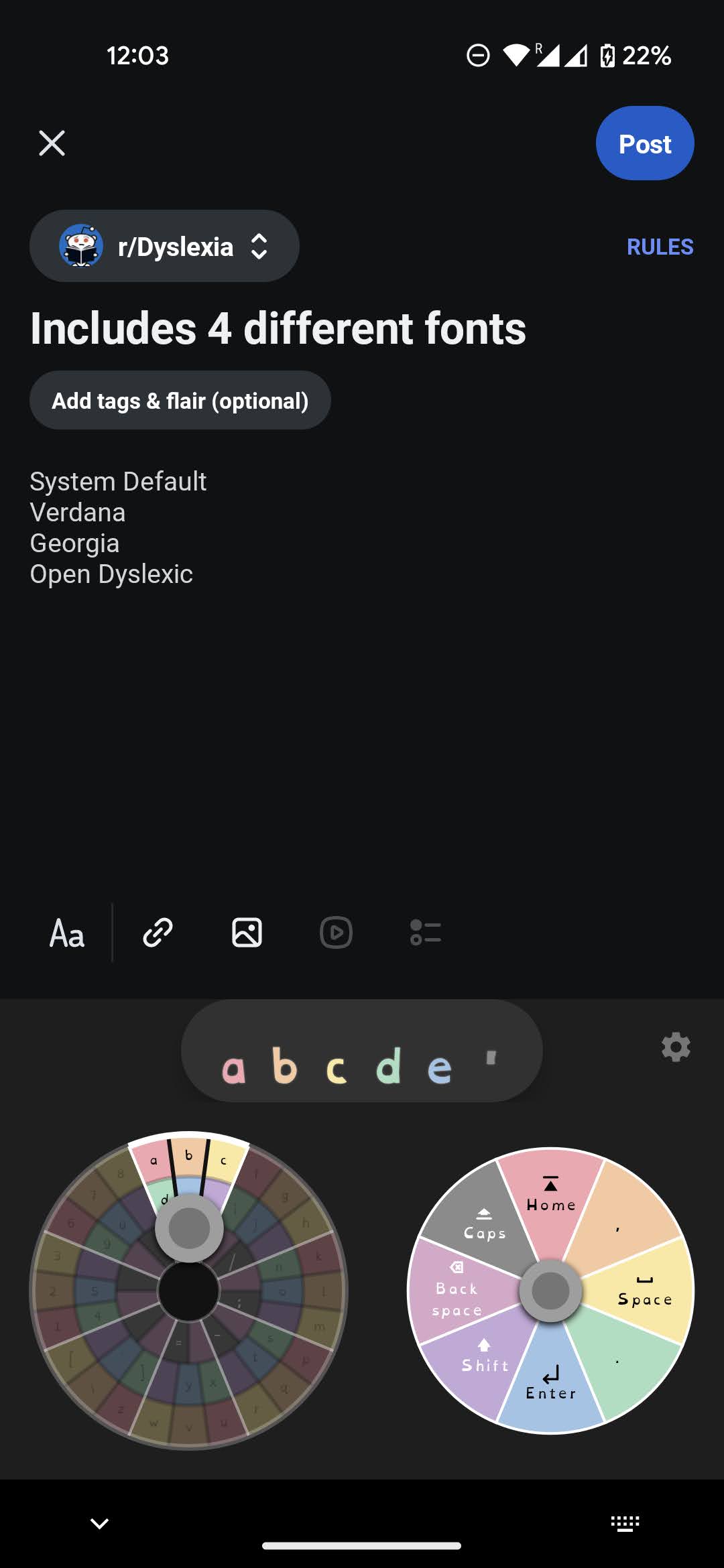
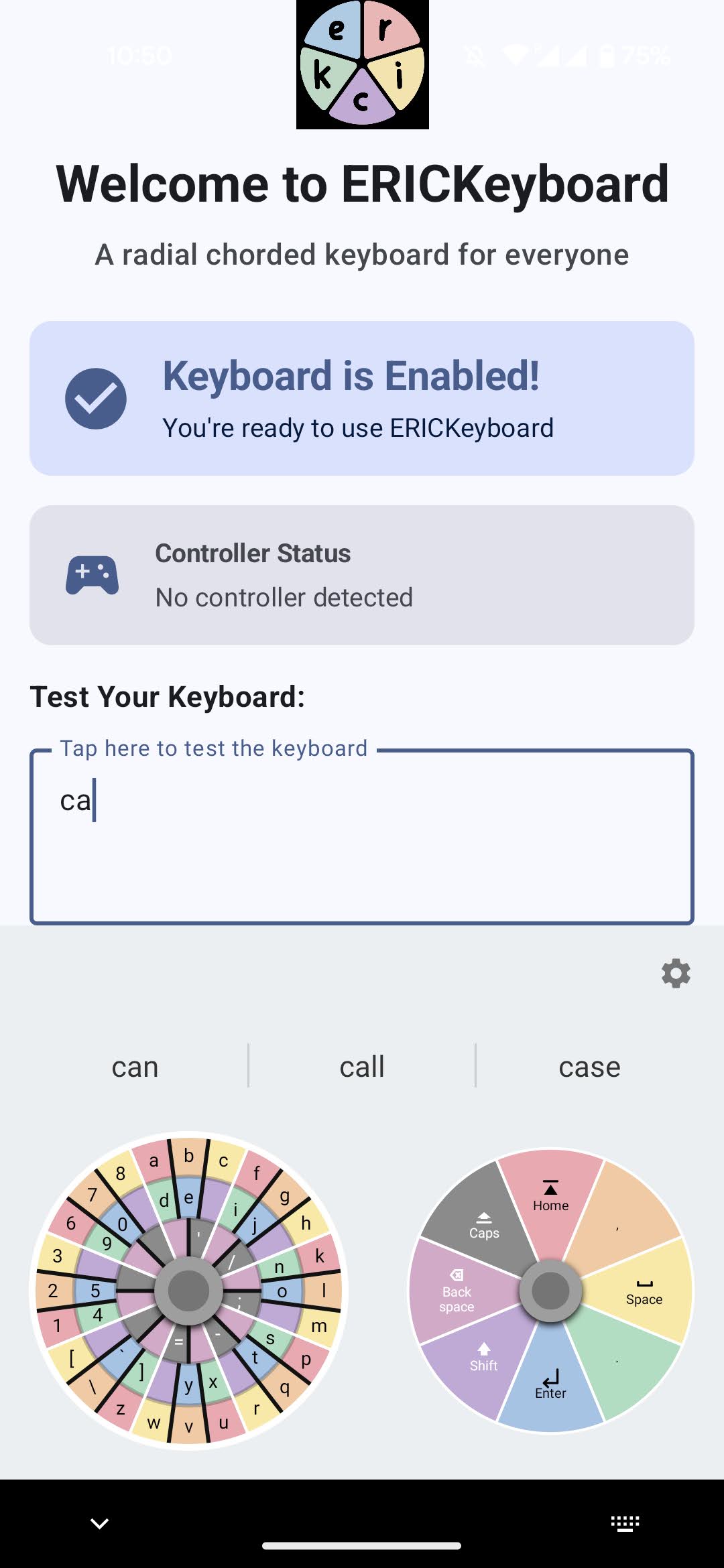
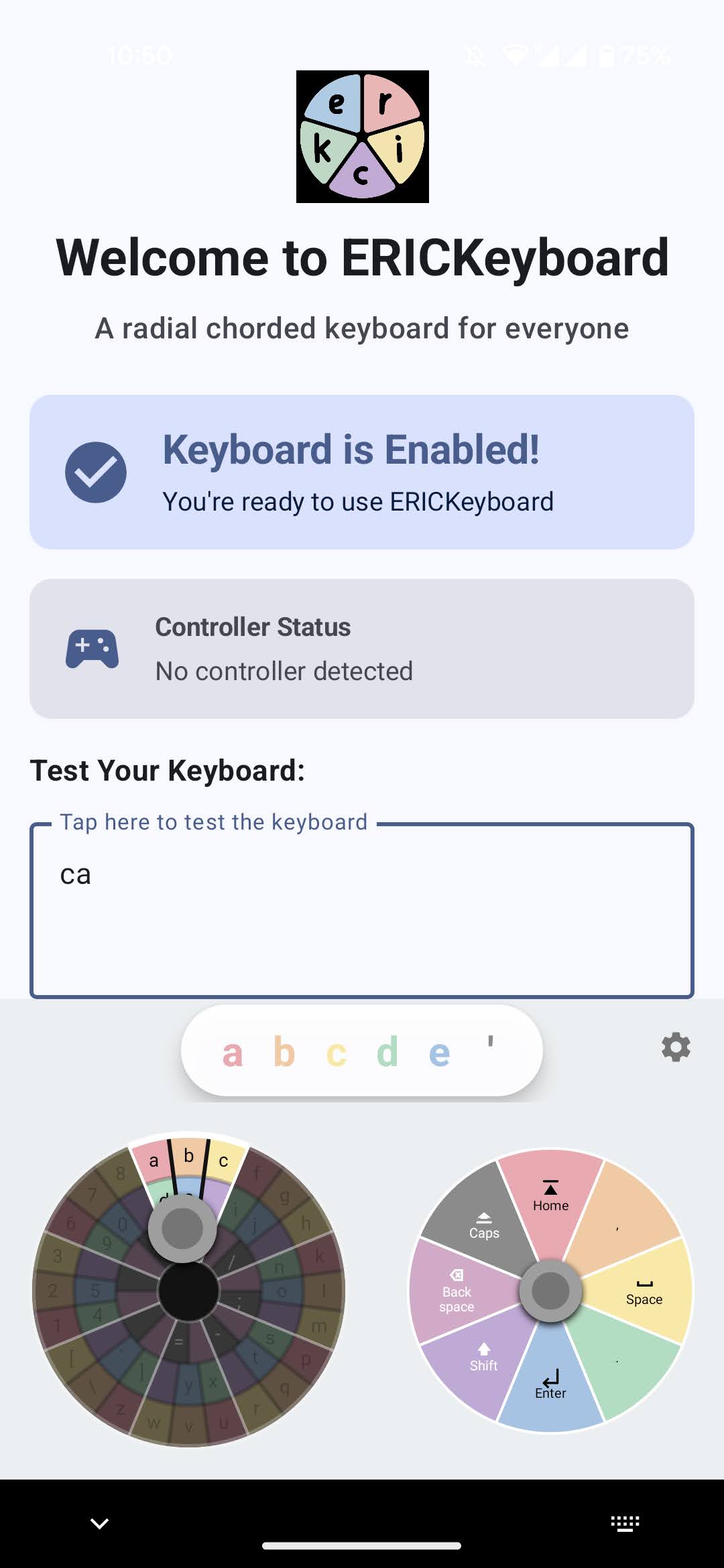
- Completely overhauled joystick interface with radial dials and 8-segment blocks
- Live character preview bar showing color-coded characters as you swipe
- New frequency-optimized Efficiency layout alongside the Logical layout
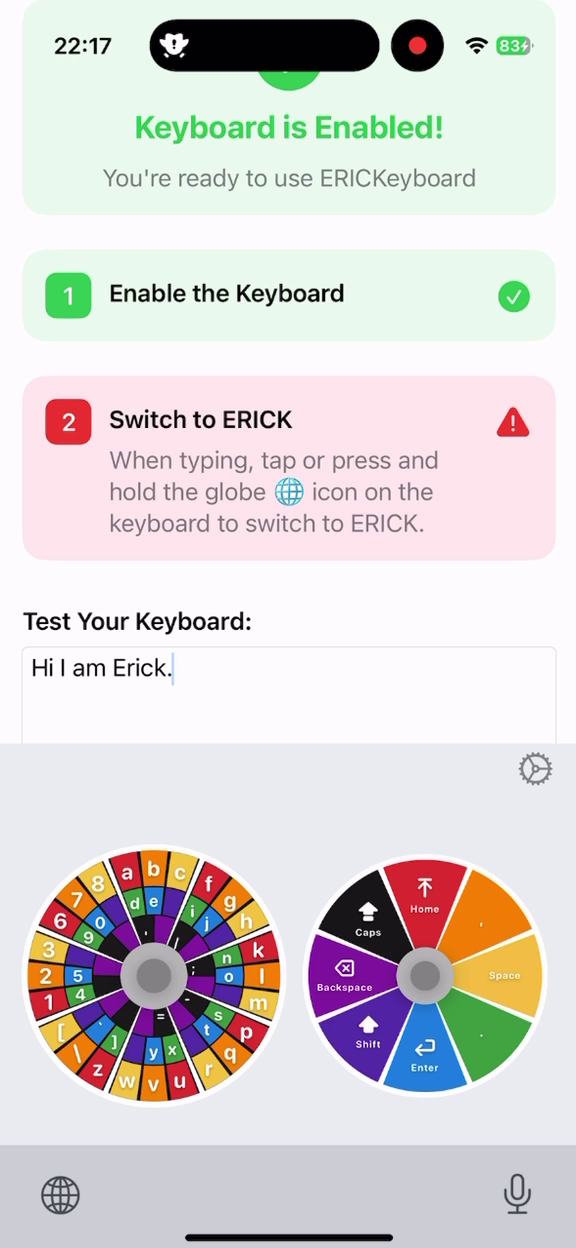
- iOS radial keyboard UI redesigned to match Android experience
- Full iOS onboarding flow with step-by-step color-synced setup
- Shared App Group preferences keep iOS host app and keyboard extension in sync
v0.2.1-alpha
March 7, 2026
Kotlin Multiplatform and Redesign
KMP Architecture
Material 3 Design
Onboarding Guide
Professional Branding
- Cross-platform keyboard logic with Kotlin Multiplatform ready for iOS
- Step-by-step onboarding guide with real-time status indicators
- Material 3 settings redesign with 4 organized sections
- ERICK logo and consistent branding throughout
- Larger joysticks, cleaner layout, and optimized touch targets
v0.1.7-alpha
July 8, 2022
The beginning: Android prototype
First Release
Android 12
Controller Detection
Chord Input
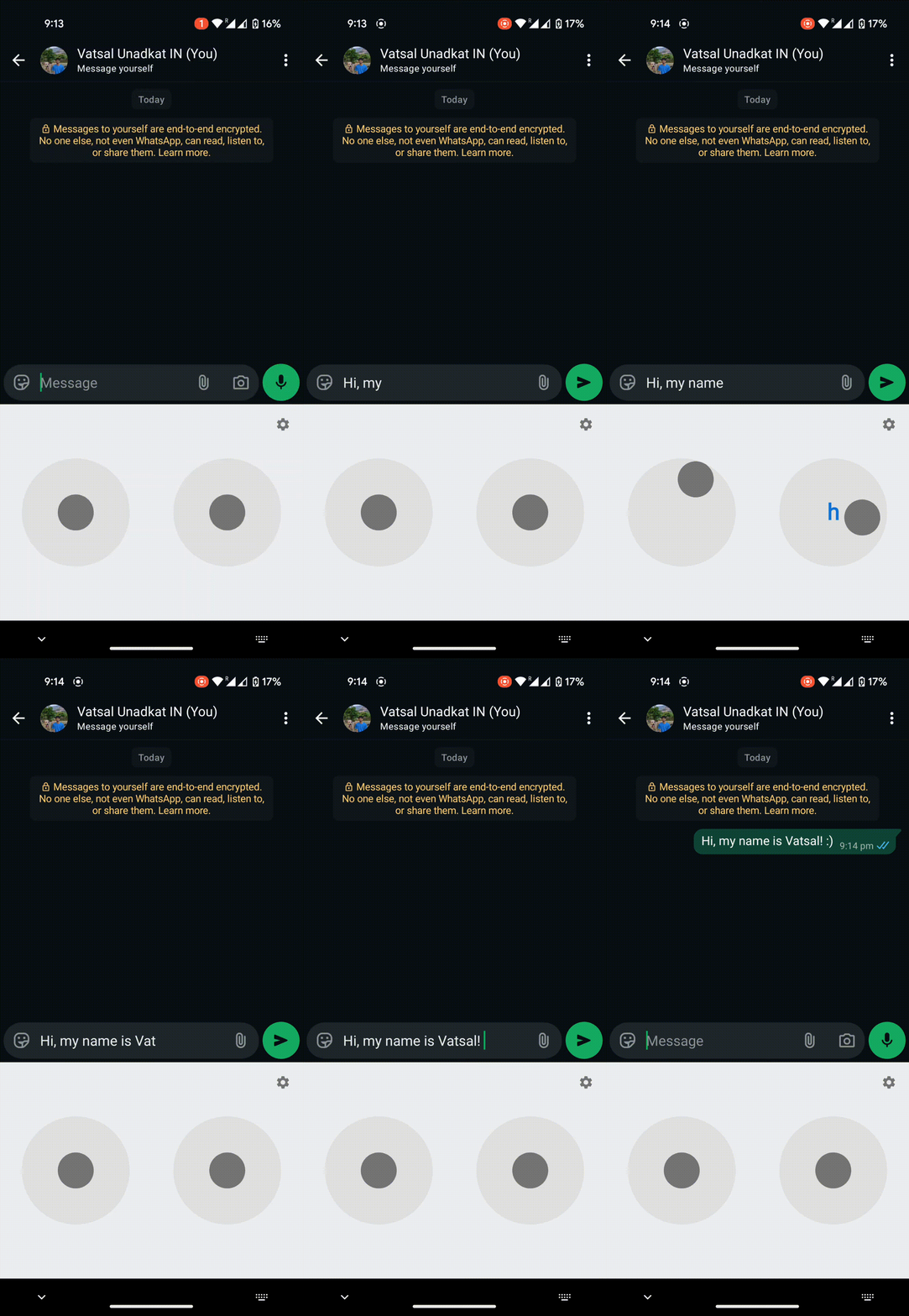
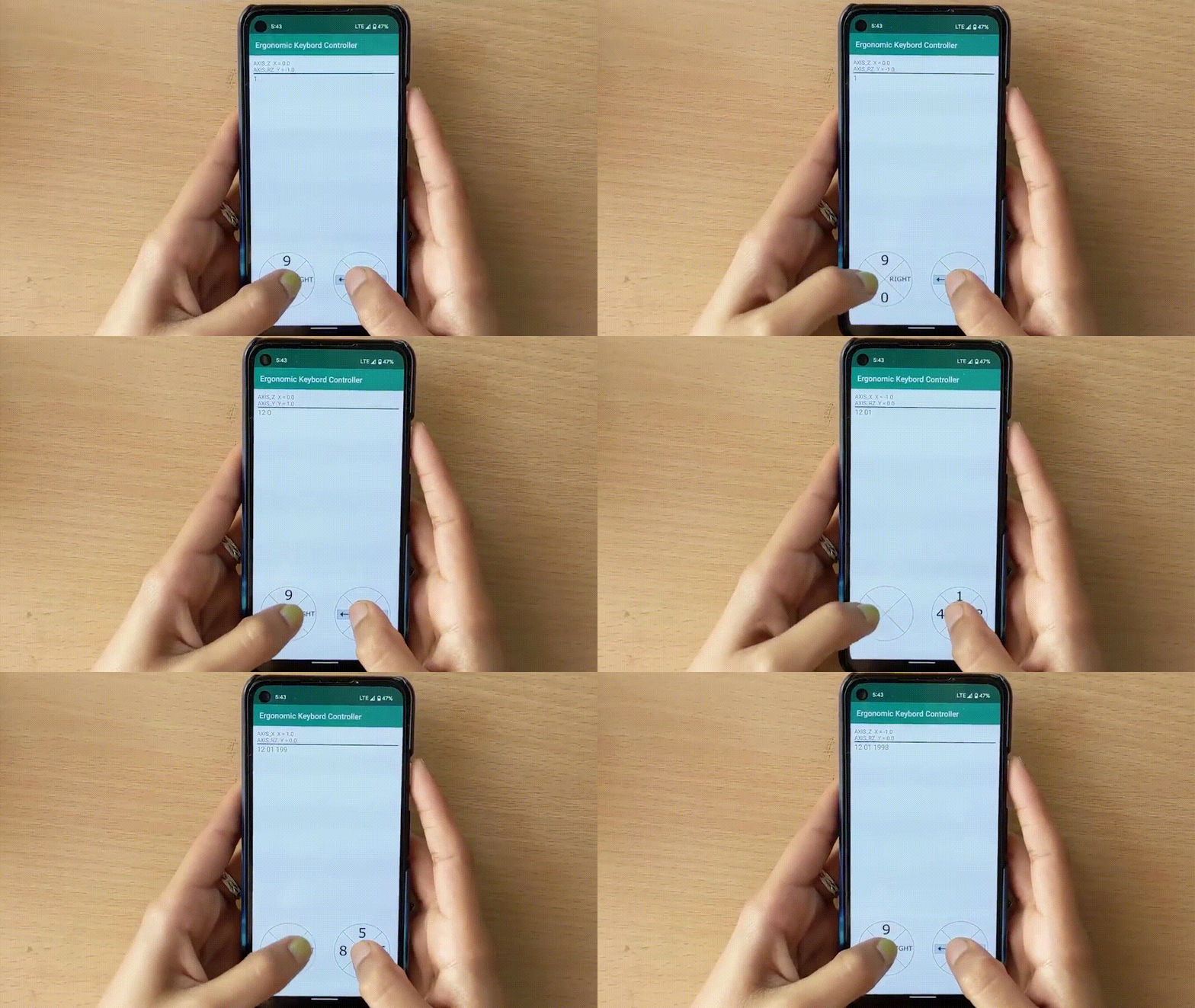
- Initial Android keyboard with dual-joystick chord input system
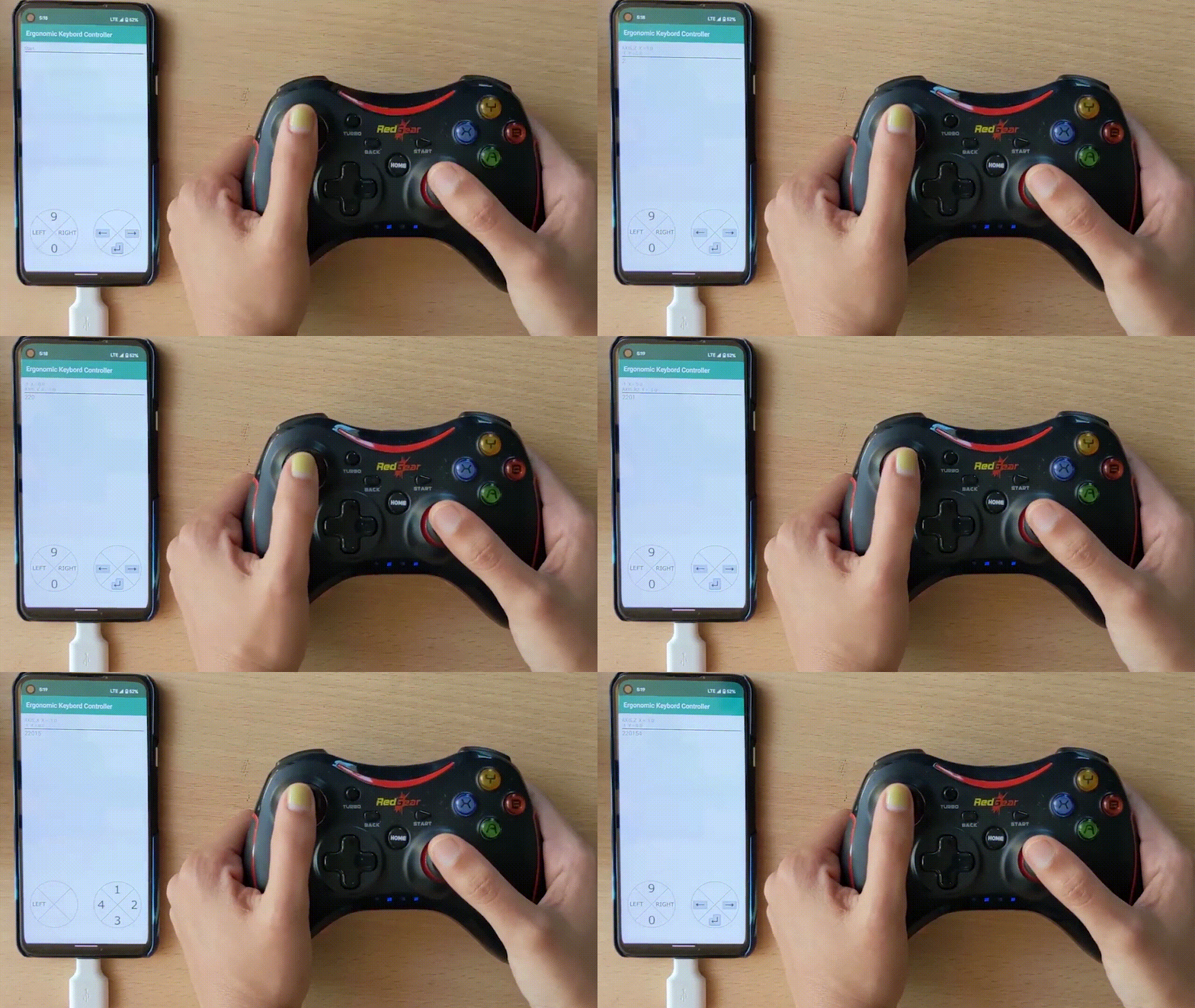
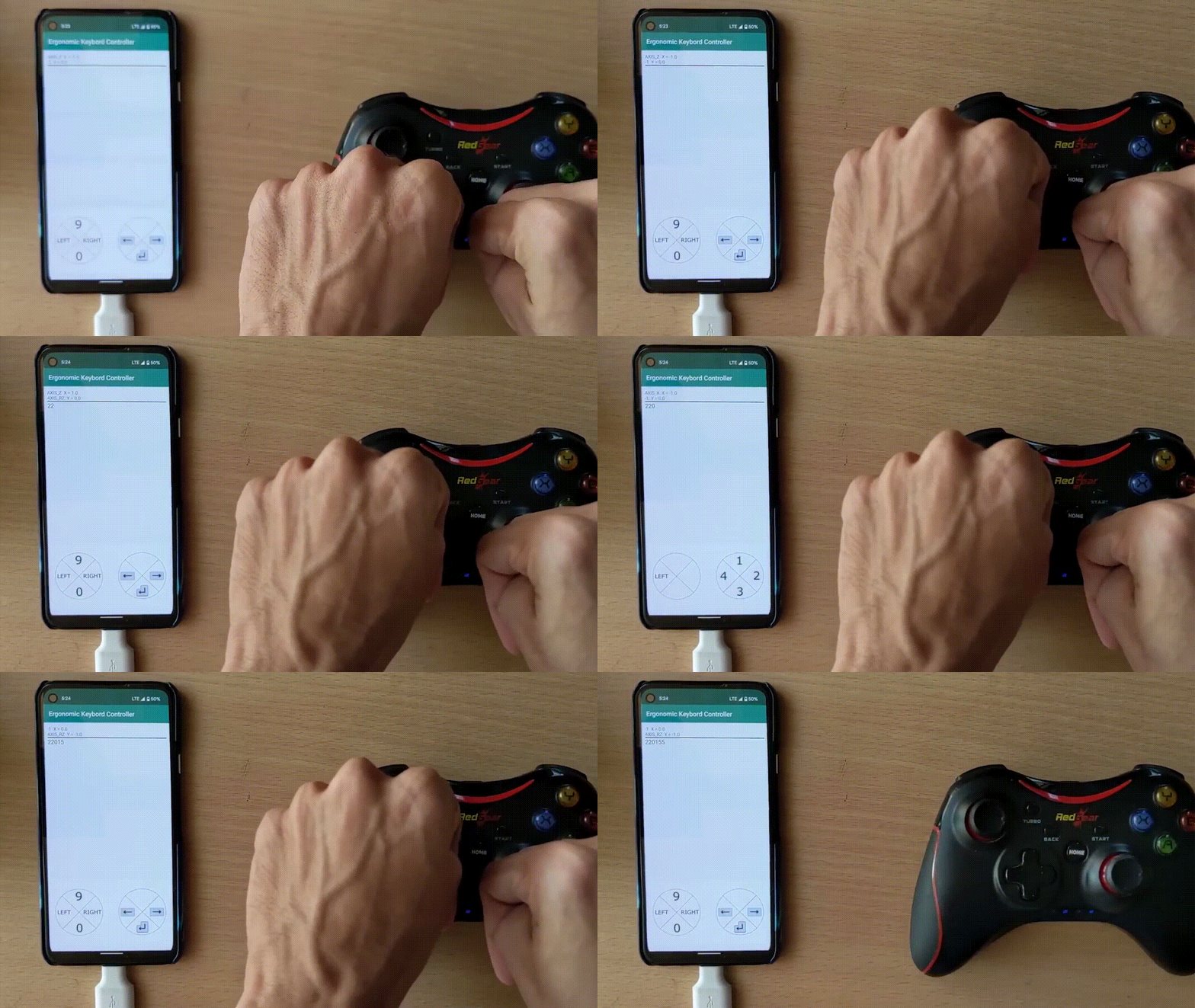
- Support for Android 12 with controller detection
- Touch-based swipe typing and physical controller typing
- Hands-free typing capability demonstrated
- Foundation for the current ERICK project
Roadmap
What's coming next
Beyond v2.2
Next priorities
- Non-English Efficiency layouts and broader language or script support
- Improved word prediction and user dictionaries
- Typing analytics and improvement tracking
iOS
App Store release
- App Store listing and review-ready metadata
- Final packaging and onboarding polish for public iOS distribution
- Parity validation across current iPhone and iPad hardware
Release quality
Hardening
- Localized copy maintenance as new app surfaces ship
- Improved word prediction and user dictionaries
- Broader cross-platform validation for controller, accessibility, and learning flows